Nebula Staff | 星雲の杖
A starlight magic wand you wield with hand gestures alone — no Action Menu needed. ✦
✨ What this gimmick does
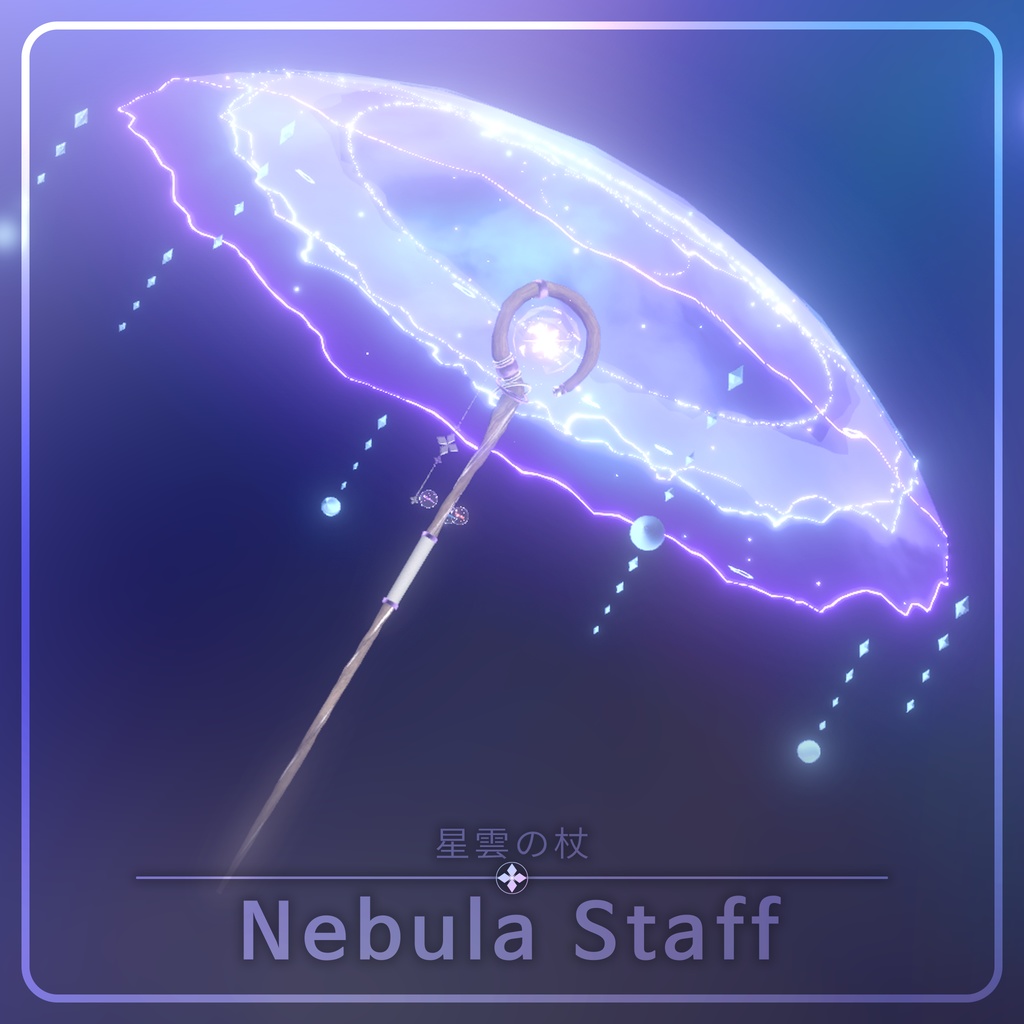
This gimmick is a magic-wand particle that lets you perform every interaction with hand gestures — without using the Action Menu. It is built around Modular Avatar, and setup is applied automatically on Build or when entering Play Mode.
For more about Modular Avatar, see the official docs.
📦 Packages
The gimmicks are identical across all packages. They differ only in the staff design and whether the amethyst color is included.
- Digital Full Package — all designs + amethyst color included
- Digital Tradition Pack — traditional design
- Digital Modern Pack — modern design
🧰 Requirements
- Unity 2022.3.22f1
- VRChat Avatar SDK | ↑ 3.7.0
- Modular Avatar | ↑ 1.9.15
- The Nebula Staff prefab included in the package
Important notes
- This asset uses the Particle System. Particles may not appear if
Particle Limitis enabled in VRChat's graphics settings — set it to OFF. - This asset uses interaction gimmicks. Turn
Interaction(Self Interaction) ON in VRChat settings. - Due to a VRChat spec change, your own particles are only simulated while projected in a mirror or camera. They display normally from a third-person view.
🛠 Setup
1. Basic install
Place the Nebula Staff prefab included in the package under the avatar Root.
Adjust the provided prefab so it fits properly to the hand and back positions of your avatar.
2. Apply
There is no Apply button. The setup is applied automatically when you Build or enter Play Mode.
🎮 In-game controls
All controls are performed with hand gestures — no Action Menu required.
1. Summon Staff
Grab the Core part of the staff on your back with your hand.
2. Release Staff
Grab the decorative end of the staff and pull.
3. Normal Shot
Grab with the hand that is holding the staff.
4. Charging Shot
Place the middle bead into the Core of the wand, then spin the staff once.
5. Magic Mode
Quickly rotate the staff clockwise (counterclockwise for the left hand).
6. Umbrella Mode
While in Magic Mode, hold the staff vertically for at least 1 second.
7. Turn off Umbrella Mode
Lay the staff horizontally for more than a second.
❓ FAQ
Q. The particles don't appear. A. Check Particle Limit in VRChat's graphics settings. It must be OFF for particles to display correctly.
Q. The interaction gimmick doesn't work. A. Turn Interaction ON in VRChat settings.
Q. Particles look wrong in mirrors and cameras. A. Due to a VRChat spec change, your own particles are only simulated while projected in a mirror or camera. They display normally from a third-person view.